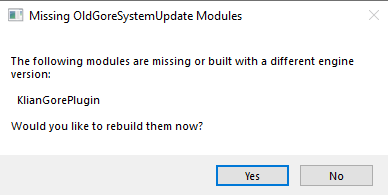
How to update the old system (V2) to UE 4.27
This page shows how to move a Marketplace plugin to a newer Unreal Engine version when the builds are compatible. The example is 4.26 → 4.27.
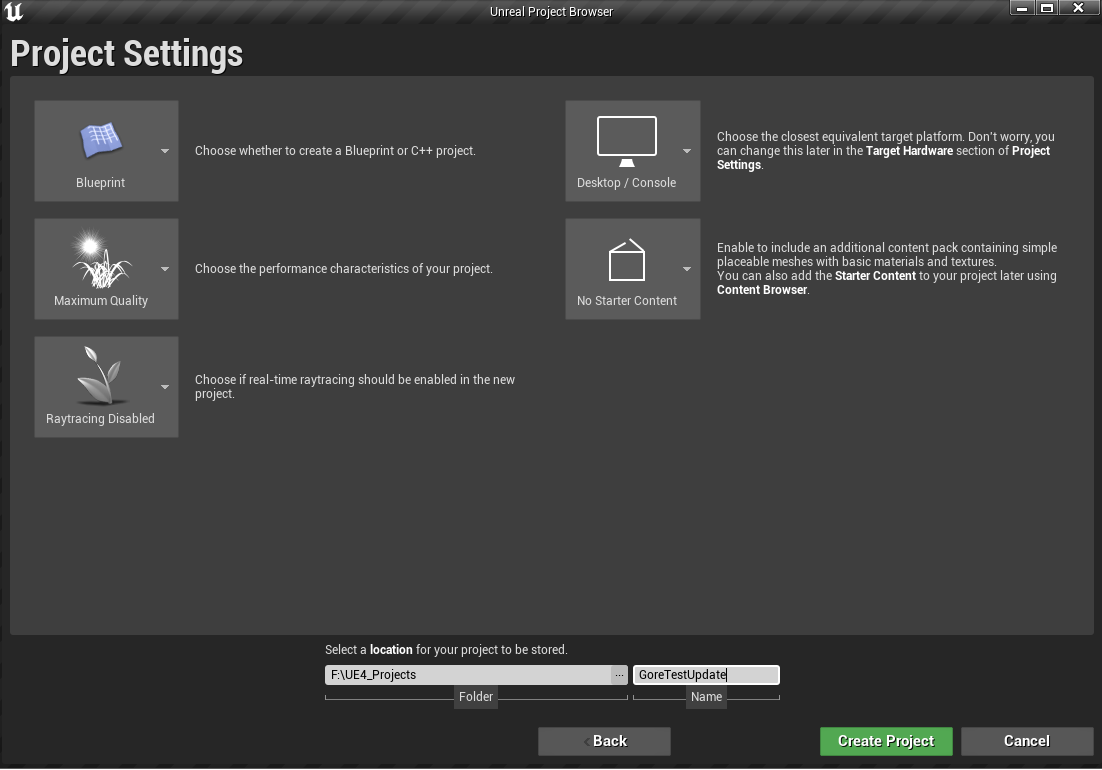
1. Create a new project (UE 4.27)
Set the project up as you wish. A Blueprint project is enough; you do not need C++.
2. Download the plugin (UE 4.26)
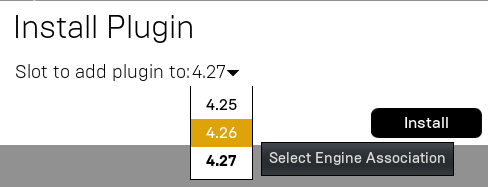
Download the plugin build for UE 4.26.
3. Copy the plugin into your project folder
- Go to
...\Epic Games\UE_4.26\Engine\Plugins\Marketplace\ - Copy the folder KlianGorePlugin
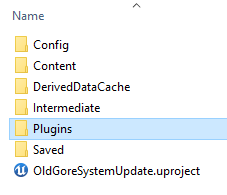
- In your project folder, create Plugins if it does not exist
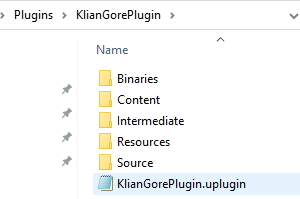
- Paste KlianGorePlugin there
4. Change EngineVersion
- Open
[YourProject]\Plugins\KlianGorePlugin\ - Open
KlianGorePlugin.upluginin a text editor - Change
"EngineVersion": "4.26.0"to"EngineVersion": "4.27.0"
5. Let the editor recompile the plugin